The Rise of Local-First Software: A Paradigm Shift in Architecture (2025)
For the past decade, the industry has been fixated on "Cloud-First" software development. In this model, data resides in AWS, business logic executes in Lambda functions, and the browser is reduced to a dumb screen waiting for instructions.
While convenient for developers, this architecture often frustrates users with loading spinners, "You are offline" bricking, and a complete lack of data sovereignty.
A new paradigm is rapidly emerging: Local-First Software.
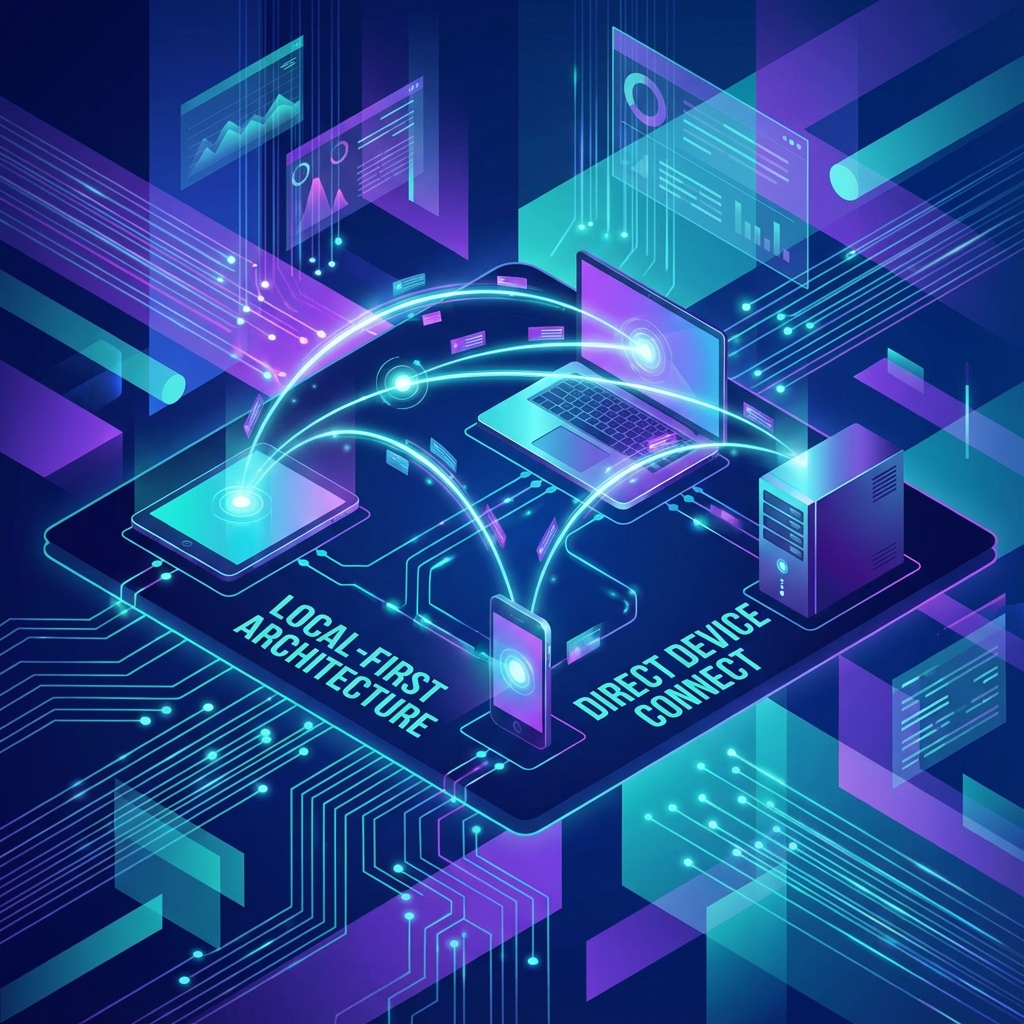
In a Local-First application, the primary source of truth is the user's device—stored in IndexedDB, SQLite-WASM, or local files. The cloud serves merely as a secondary backup and synchronization mechanism.
Apps like Linear, Figma, and Notion have demonstrated that this architecture creates a "Premium" user experience where interactions feel instant (0ms latency/optimistic UI) and collaboration remains seamless. In this guide, we dive into the complex engineering—from CRDTs to Sync Engines—that makes this possible.
Apps like Linear, Figma, and Notion have proven that this architecture creates a "Premium" feel—updates are instant (0ms latency), and collaboration is seamless.
In this guide, we dive into the complex engineering that makes this possible.
Part 1: The Local-First Manifesto
The term was coined by Ink & Switch. Seven ideals define it:
- No Spinners: Reads and writes happen instantly against the local DB.
- Your Work is Not Trapped: You can access data as files.
- The Network is Optional: Full functionality on an airplane.
- Seamless Collaboration: Google Docs-style editing.
- Long-term Preservation: The software might die, but the data survives.
- Security and Privacy: Encryption at rest on the client.
- User Control: You decide when to sync.
The Logic Shift
Old Way: Click -> API Request -> Wait -> Update UI
Local-First Way: Click -> Update UI & Local DB -> Sync Background Process
This "Optimistic UI" is the default, not an enhancement.
Part 2: The Magic of CRDTs (Conflict-Free Replicated Data Types)
If two users edit the same document offline and then come online, how do you merge the changes without a conflict? In Git, you get a "Merge Conflict". In Local-First, you use CRDTs.
CRDTs are data structures that ensure Strong Eventual Consistency. mathematical guarantee that if two clients have seen the same set of updates (in any order), they will have the same state.
2.1 The Math of Merging
Imagine a set of items: {A, B}.
- User 1 adds C:
{A, B, C}. - User 2 adds D:
{A, B, D}.
In a Grow-Only Set (G-Set) CRDT, the merge function is a Union: {A, B, C, D}. No conflict.
2.2 Text Editing (Sequence CRDTs)
Text is harder.
- Text: "HELLO"
- User 1 inserts "A" at index 1 -> "HAELLO"
- User 2 inserts "B" at index 1 -> "HBELLO"
If you just use indices, merging blindly gives "HABELLO" or "HBAELLO". CRDTs like YATA (used in Y.js) or RGA assign unique IDs to every character.
- 'H' (ID: 1)
- 'E' (ID: 2)
- User 1 adds 'A' (ID: 1.1, between 1 and 2).
- User 2 adds 'B' (ID: 1.2, between 1 and 2).
The logic uses the IDs (timestamps or user IDs) to deterministically sort them. Everyone sees "HB A E L L O" (or A before B, depending on rules).
Part 3: The Tech Stack (2025 Edition)
The ecosystem has matured rapidly.
3.1 The Sync Engines
You don't want to implement CRDTs yourself. Use a library.
- Replicache: The commercial gold standard.
- Architecture: Client writes to local KV store. Background process pushes "Mutations" to server. Server processes linearly. Client "Rebases" on server state.
- Not pure CRDT, but easier to reason about.
- ElectricSQL: "SQLite in the Browser".
- Uses Postgres Logical Replication to sync a subset of your Postgres DB directly to a local SQLite-WASM instance.
- "Active-Active" replication.
- Y.js / Automerge: Pure CRDT libraries.
- Great for document editing (text, JSON).
- Can run over WebSockets, WebRTC, or even save to files.
3.2 The Database (Client-Side)
- IndexedDB: Using
idborDexie.js. Good for JSON. - SQLite WASM: The new king. A full SQL database running inside the browser.
- Projects like PGLite run actual Postgres in WASM.
- OPFS (Origin Private File System): Allows SQLite to write to disk with high performance.
Part 4: Implementation Patterns
Let's look at how to architect this.
Pattern A: The "Replicache" Model (Mutation Queue)
- UI: User clicks "Add Todo".
- Local:
- Optimistically update memory.
- Write mutation
addTodo({id: 1, text: 'Hi'})topending_mutationsin IndexedDB.
- Sync Agent:
- Watch
pending_mutations. - Send batch to API
/push.
- Watch
- Server:
- Execute mutation against Postgres.
- Increment "Data Version".
- Send "Poke" (Server-Sent Event) to client saying "New data available".
- Client Pull:
- Client calls
/pull. - Gets patches.
- Updates local state.
- Client calls
Pattern B: The "Electric" Model (Database Sync)
- Schema: You define a shape in Postgres.
- Electric Sync: The middleware automatically listens to the Postgres WAL (Write Ahead Log).
- Client: The client opens a WebSocket. It receives the initial state and then stream of changes.
- Query: The frontend uses standard SQL:
SELECT * FROM todos.
Part 5: Challenges (The Hard Parts)
It's not all sunshine.
5.1 The "Gigabyte" Problem
The browser has limited storage (usually 1-2GB or 50% of disk). You cannot sync a 1TB Enterprise Database to a phone. Solution: Partial Replication (Shape-based sync). Only sync the data for the current user, or the current "Team".
5.2 Permissions
In a cloud app, the API checks if (user.canView(doc)).
In Local-First, if you sync the doc, the user has the doc. You cannot revoke access easily.
Solution: Row-Level Security (RLS) must be baked into the sync protocol.
5.3 Schema Migrations
If the server updates the schema, but the user is offline on an old version of the app for 3 months... When they come back, their local DB is incompatible. Solution: Client-side migrations. The app must start up, check the DB version, obtain migration scripts, and upgrade the local data before syncing.
Case Study: Linear
Linear (the issue tracker) is the poster child for this.
- They use a custom engine called Sync.
- It loads all issues into memory/IndexedDB on startup.
- Searching for issues is instant (0ms) because it's just filtering a Javascript array.
- This "snappiness" is their primary competitive advantage over JIRA.
Tutorial: Building a Sync Engine with Y.js
A simple example of a text editor that syncs via WebSockets.
import * as Y from "yjs";
import { WebsocketProvider } from "y-websocket";

// 1. Create the Doc
const ydoc = new Y.Doc();

// 2. Connect to Sync Server
// All clients connecting to 'my-room' share data
const provider = new WebsocketProvider(
  "wss://demos.yjs.dev",
  "my-roomname",
  ydoc
);

// 3. Create a Shared Type (Map, Array, or Text)
const ytext = ydoc.getText("codemirror");

// 4. Bind to Textarea
const textarea = document.getElementById("editor");

// Update UI when data changes
ytext.observe((event) => {
  textarea.value = ytext.toString();
});

// Update data when UI changes
textarea.addEventListener("input", () => {
  // Use a transation for atomic updates
  ydoc.transact(() => {
    // Delete old content and insert new (naive implementation)
    // Real implementation calculates diffs
    ytext.delete(0, ytext.length);
    ytext.insert(0, textarea.value);
  });
});
With just these lines, you have a collaborative editor. If you disconnect the wifi, type, and reconnect, it merges.
Conclusion: The New Normal
Local-First is technically challenging. It requires thinking about distributed systems, conflict resolution, and storage limits.
However, the UX payoff is immense. Once a user experiences a Zero Latency app, they cannot go back to waiting for APIs.
By 2030, Local-First will not be an "Architecture Choice"; it will be the expected standard for any productivity software.
Recommended Tooling
- For Documents: Y.js or Automerge.
- For CRUD Apps: Replicache or ElectricSQL.
- For Databases: PGLite or SQLite WASM.