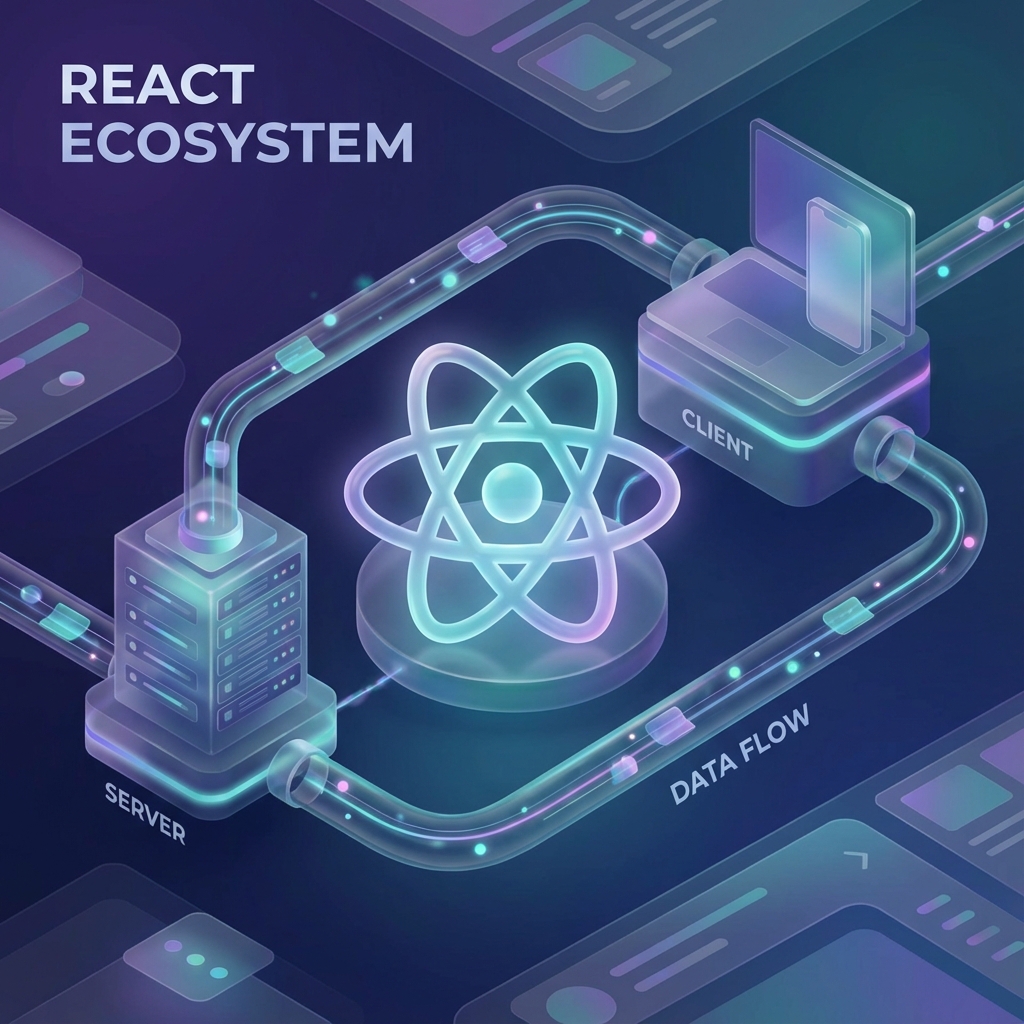
React Server Components (RSC): The Definitive Guide (2025)
"Is this PHP?"
This is the most common comment when developers see React Server Components code.
export default async function UserProfile({ id }) {
  const user = await db.users.find(id);
  return <div>Hello {user.name}</div>;
}
Direct database access? inside a Component? Yes. And it changes everything.
For over a decade, React was exclusively a Client-Side library running in the browser. If you needed data, you had to ship a spinner, fetch JSON over the network, and then render. Server Components flip this script entirely. They run exclusively on the server, rendering to a specialized format that is streamed to the browser without ever hydrating or downloading a single byte of component code to the client.
In this guide, we will unpack the new mental model, the architectural benefits, and the specific mechanics of this paradigm shift.
Part 1: The Problem (Waterfall and Bundle Size)
1. Bundle Bloat
Imagine a Markdown rendering component useMDX().
It relies on a library that is 200KB.
In Client React, every user must download that 200KB JS file just to view the blog post.
In Server React, the 200KB library runs on the server, generates HTML, and stays on the server.
Client Cost: 0KB.
2. The Network Waterfall
Client React:
- Load App.js (Wait).
- Render
<UserWrapper>. - Effect: Fetch User (Wait).
- Render
<PostsWrapper>. - Effect: Fetch Posts (Wait).
Server React:
- Server fetches User and Posts in parallel (backend latency is low).
- Server streams the finished HTML. One Round Trip.
Part 2: The Mental Model (The Tree)
The Rule: Servers can import Clients. Clients cannot import Servers.
Think of your app as a tree. The Root is a Server Component. The Leaves are Client Components (Interactivity).
// Server Component (Page)
import ClientButton from "./ClientButton";

export default async function Page() {
  const data = await getData();

  return (
    <div>
      <h1>{data.title}</h1>
      <ClientButton id={data.id} />
    </div>
  );
}
This works. The Server passes props (serialized data) to the Client Component.
The Restriction:
Inside ClientButton.tsx ("use client"), you cannot do:
import ServerHeader from './ServerHeader'.
Why? Because ClientButton runs in the browser. It cannot run server code.
The Workaround (Composition):
You can pass a Server Component as a child to a Client Component.
// Server Page
<ClientLayout>
  <ServerHeader />
</ClientLayout>
The Client Layout manages the state (e.g., Theme), but purely renders the {children} as a slot. It doesn't need to know what the children are.
Part 3: Data Fetching and Mutation
Fetching (async/await)
No more useEffect. No more isLoading states for initial data.
Just await.
React Suspens (<Suspense fallback={<Skeleton />}>) handles the loading UI while the promise resolves.
Mutation (Server Actions)
Instead of API Routes (/api/submit), we have Server Actions.
Functions that look like standard JS functions but run on the server.
// Server Component
export default function Form() {
  async function save(formData: FormData) {
    "use server";
    await db.save(formData.get("name"));
  }

  return (
    <form action={save}>
      <input name="name" />
      <button>Save</button>
    </form>
  );
}
When you submit, React makes a POST request, executes the function on the server, and returns the updated UI. It works even without JavaScript (progressive enhancement).
Part 4: The Wire Format (RSC Payload)
What actually goes over the network? It is not HTML. It is a custom text format.
M1:{"id":"./ClientBtn.js","chunks":["client-btn"],"name":"default"}
M2:{"id":"./Layout.js","chunks":["layout"],"name":"default"}
J0:["$","div",null,{"children":["$","h1",null,{"children":"Hello"}]}]
It describes the Virtual DOM tree. The client React Runtime parses this and updates the DOM intelligently. It preserves client state (like focus or input text) while swapping the server content.
Part 5: "Is it PHP?"
Yes and No.
- Yes: Request -> Database -> HTML. The simplicity is back.
- No: PHP is stateless. Every click reloads the page. RSC is Stateful. You navigate from Page A to Page B. The Server sends the new component tree for Page B. The Client merges it. The "Chat Window" at the bottom right doesn't reload. The music player doesn't skip. It is the best of MPAs (simplicity) and SPAs (UX).
Conclusion: The Future is Hybrid
RSC is not an optional feature. It is the new core of React. Frameworks like Next.js, Remix (eventually), and Waku are adopting it.
It forces you to think about boundaries. "Does this need to be interactive?"
- Yes -> Client Component.
- No -> Server Component.
Once you get used to await db in your component, you never want to go back to fetch('/api/user').